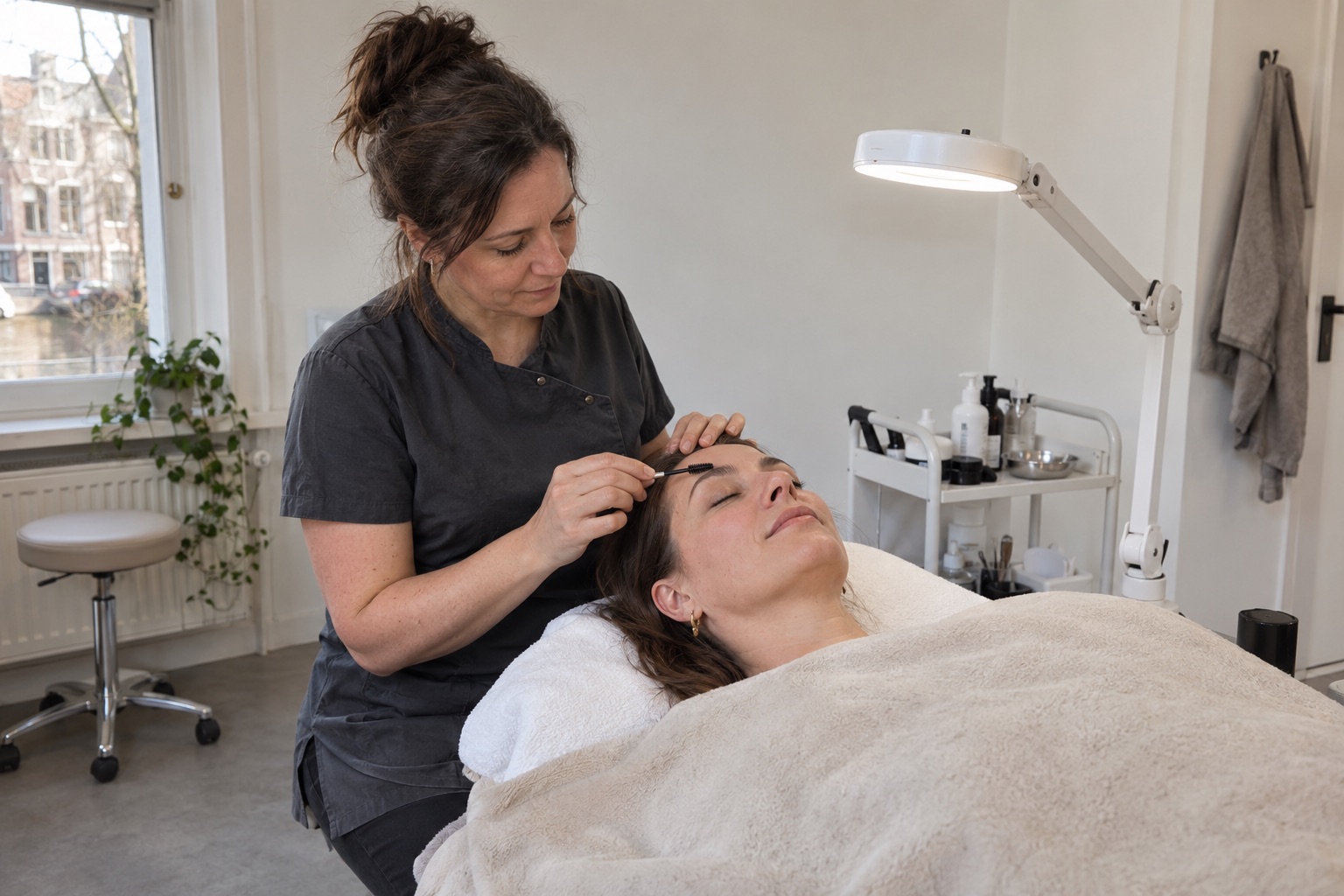
A slot opens up.
Check which treatment fits the available time and notify clients with last-minute interest and consent.
Discover last-minute slotsFor your salon
You want time for your clients while your salon runs smoothly behind the scenes. Sovado connects your website, appointments, clients and checkout. One moment flows naturally into the next.
A great client journey starts behind the scenes.
A visit, from start to finish
Follow a client's journey through your salon. At every moment, another part of Sovado connects to what you need.
The first impression
A new client wants to know what you offer, what it costs and how appointments work. Give your salon its own place online, with your look, treatments and people. From that first introduction, the client can choose a time straight away.
Your online presence and booking flow fit together.
Explore your online optionsPersonal attention starts with room for your wishes.
View the booking stepA time that fits
While you're busy, your client can book their own appointment. Sovado checks the selected service, available team member and schedule. Treatment duration and any buffers are included when offering times.
Plan from one calendar, with time for the treatment and the space around it.
Discover the calendar and online bookingTry the booking steps with fictional services.
Tuesday · with Sam · fictional availability
In a real booking, you would then enter your contact details. This example does not create an appointment.
Personal attention
A warm welcome needs more than a name and a time. See previous appointments, purchases and notes in the client's profile. If you work as a team, colleagues can build on the same information within their own permissions.
Build on what you already know about your client.
See how to get to know your clientsPrefers mornings. Favourite team member: Sam. Take a moment at the start to discuss their wishes for the visit.
Finishing a visit well
After the treatment, complete the sale without rushing. Bring the appointment into the checkout, add a product if needed and record the payment. The purchase stays linked to the client and the sale is easy to find later.
Your appointment, client and sale stay connected.
Discover checkout and paymentsAfter the appointment, too
A thank-you, a birthday message or an invitation after a longer break: choose the follow-up that suits your salon. Combine targeted messages with a newsletter or loyalty programme when it adds value for your clients.
Give follow-ups a regular place, with care for consent and timing.
Explore follow-up optionsNoor · Personal treatment
It was lovely to see you. We look forward to your next visit.
Stay in control of your salon
Which services are being booked? What has actually been sold? How do schedules differ between team members or locations? Your dashboard and reports show the figures behind those questions. Scheduled value and completed sales remain clearly separate.
You have a clear starting point for your salon's next decisions.
Discover dashboards and reportsYour way of working
Your services, schedule and care for clients are the starting point. Add features when your salon needs them.
Check which treatment fits the available time and notify clients with last-minute interest and consent.
Discover last-minute slotsThe AI receptionist can handle questions and appointments. This add-on is available in an invitation-only beta and needs its own setup.
View the AI receptionistFrom Professional, work with individual schedules and an unlimited team. Extra location is an add-on with Professional and included in Complete; agree on the required location capacity in advance.
Explore multiple locationsMake it your workspace
You don't need to change the way you work all at once. Prepare the essentials and check every step your clients will use.
Prepare your services, prices, treatment durations and availability. Add your team if you work together.
Go through a booking, view client information and check how to complete a visit at checkout.
Choose suitable add-ons and agree on any migration before switching off existing systems.
A few things to know
From your first choice to everyday use. This helps you assess the options.
Ask your own questionSet up Sovado with your own services, prices, treatment durations, team and availability. Your working day is the starting point. Need a specific process or unusual setup? Discuss it in advance so it's clear how it fits the platform.
Yes. Every plan includes one team member. Professional and Complete offer extra team members for €7.50 per month each. Professional covers full salon management; Complete adds marketing and automations.
No. Every plan includes a booking page and widget for your existing website. You can also build your salon website in Sovado: as an add-on with Solo and included with Professional and Complete.
Start with your services, scheduling and clients. Then configure the features you want to use. Check your booking flow and payment connections before inviting clients.
First identify which data and future appointments you want to bring over and what exports your current system offers. Then agree what can be transferred and check the setup before switching.
Features depend on your plan. Solo includes the essentials for appointments and clients. Professional adds POS, inventory, team management and your salon website. Marketing modules are add-ons with Solo and Professional and included with Complete. The AI receptionist is always a separate add-on. Hardware, payment processing and usage may incur extra charges.
Your next step
Explore the setup or discuss your questions first. Choose what suits your salon.