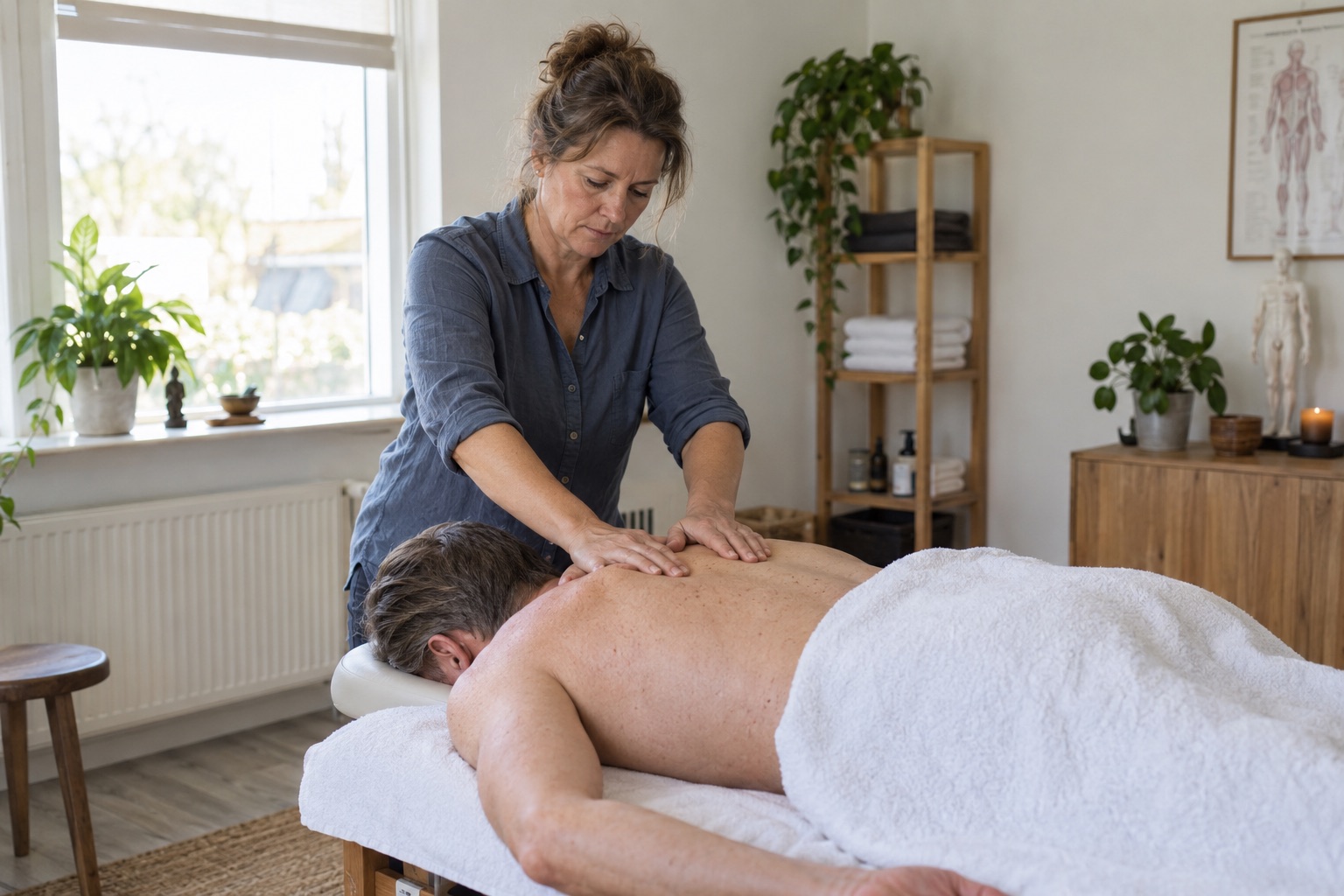
Calm on the treatment table. Calm in your calendar.
Focus on your client. Bookings handled while you’re busy.
Let clients choose a massage and an available time. Plan time between treatments and keep practical preferences with the client. Shape your working day around the care you want to give.
For independent professionals and teams. Set up for your business.
How it works in SovadoThe massage is done. Turnaround time is reserved.Buffers make room for preparation and finishing.
✓
Turnaround time between treatments
Bookable while you give a massage
Your guest’s practical preferences
Calm belongs between treatments too
Sixty minutes of massage. And time to prepare again.
The massage is finished, but your guest is still getting dressed. You need to check out, change the linen and prepare the room. If the next guest is already at the door, the calm disappears.
Basis
Make room for turnaround time.
Set a buffer after each service. Sovado includes it when calculating available times.
10:00–11:00Relaxation massage60 minutes of attention
11:00–11:15Room to breathe.Finish · Linen · Prepare
From 11:15The next guestA calm fresh start
Example: 60-minute treatment + 15 minutes of buffer. Next start from 11:15.
Interactive planning example, not a setting in your real calendar. Working hours and other appointments also determine availability.
Basis
Your hands are busy. Your phone rings.
During a massage, you want to focus on your guest. Meanwhile, someone else wants to make an appointment.
Put your booking link on your website and social profile. The client chooses a massage and an available time; the appointment and email confirmation are handled.
Clients can book while you give a treatment.
Basis
Some guests like to chat. Others do not.
Your regular comes for quiet time and prefers morning appointments.
Record that practical preference in the client record. Before the next massage, check how this guest likes to be welcomed.
The calm starts at the welcome.
Sovado on your phone
Your massage practice. Right in your pocket.
Check who’s next between treatments or read a practical preference. Your calendar is at hand even away from the computer.
Choose a situation to see it on screen.
What you see depends on your plan and user permissions.
Between appointments. A quick overview.
09:41
SovadoStudio Nova
Calendar
Appointments and planning.
+
October 2026‹ ›
mo5tu6we7th8fr9sa10su11
Thursday 8 OctoberMy calendar⌄
09:0010:00
Noor de Vries›
Relaxation massage
LisaCompleted
10:3011:00
Eva Bakker›
Back massage
LisaConfirmed
12:1513:00
Sanne Jansen›
Sports massage
LisaConfirmed
NV
Noor de Vries
Client record
Schedule appointment
Notes
Practical preferences
Prefers morning appointments and a quiet treatment without conversation.
Previous appointments
Back massage27 August · Lisa
›
Relaxation massage16 July · Lisa
›
Edit client and preferences
Thursday 8 October
Good morning, Lisa
Your working day at a glance.
Bookings8 today
5 still to come
Revenue€184.50
Received today
New saleOpen checkout and complete a sale→
Up next
Next appointment10:30 – 11:00
Eva Bakker
Back massage
Lisa
Checkout and revenue from Professional.
HomeCalendarCheckoutClients•••More
A preview of the mobile app · Fictional data
Sovado on your computer
Prepare your day. Then give your guest your attention.
Plan your week on your laptop. View long and short massages, team working hours and space between appointments. You decide how full the day should be.
Sovado / Your massage practiceCalendar
A preview of the desktop app · Fictional team members, treatments and prices
A moment from your practice
In every plan
Your colleague does sports massage. You offer relaxation.
You share a practice but not the same offering. Assign each massage to the team member who provides it and set their working hours. Clients can choose a service with someone available to provide it.
Start by setting up services and working hours. Then test the booking flow yourself. From Professional, migration support helps bring your existing data across.